3D Printer/Bambu Lab P1S: Difference between revisions
Jump to navigation
Jump to search
| Line 16: | Line 16: | ||
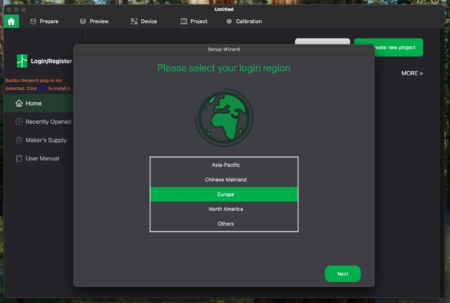
# Set your login region to '''Europe''' and click on '''Next'''.<br>[[File:bambu_lab_p1s_3_3.png|450px]]<br><br> | # Set your login region to '''Europe''' and click on '''Next'''.<br>[[File:bambu_lab_p1s_3_3.png|450px]]<br><br> | ||
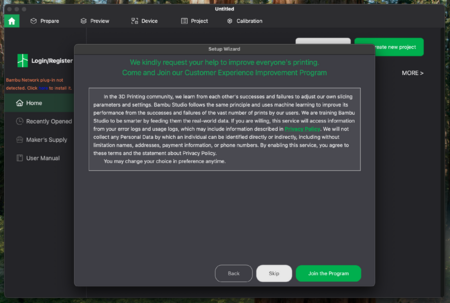
# You will be asked to join their customer experience improvement program. You can skip that.<br>[[File:bambu_lab_p1s_3_4.png|450px]]<br><br> | # You will be asked to join their customer experience improvement program. You can skip that.<br>[[File:bambu_lab_p1s_3_4.png|450px]]<br><br> | ||
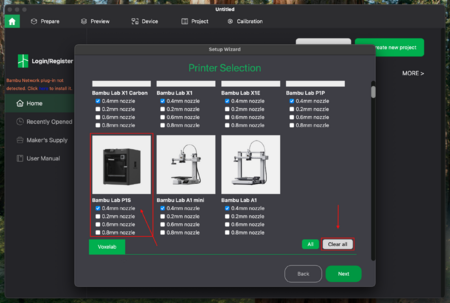
# Click on '''Clear all''' to remove all printers as you will only need the settings of the printer that is in the workshop. For that select the '''Bambu Lab P1S''' with '''0.4mm nozzle''' and click on '''Next'''.<br>[[File:bambu_lab_p1s_3_5.png|450px]]<br><br> | |||
# There are different types of filament that can be used for printing. But for this printer you will always use '''Generic PLA'''. Please go through the list and make sure that '''Generic PLA''' is selected. | |||
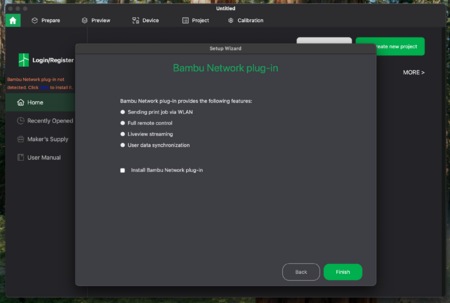
# As this printer is not connected to the network unselect all settings in this step.<br>[[File:bambu_lab_p1s_3_7.png|450px]]<br><br> | |||
Revision as of 15:39, 1 December 2025
Prepare Printer
- First clean the magnetic steel sheet. To do so pull it up on the front edge and spray a few times with isopropyl alcohol on it.
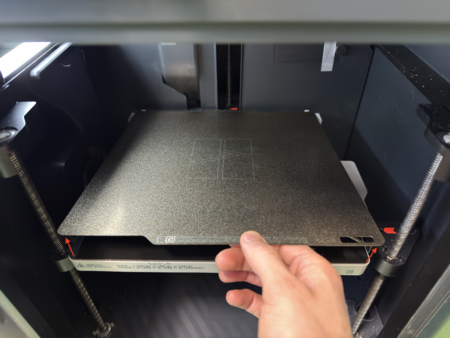
- Wipe it up with a paper towel.
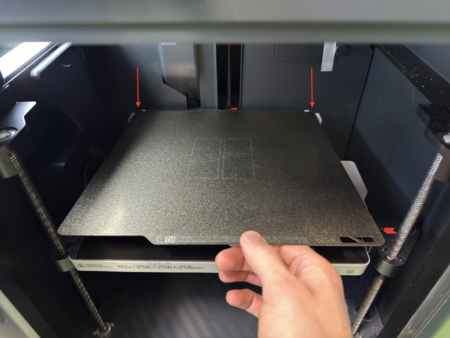
- Place back the steel sheet. Please note the orientation of the plate.


Change Filament
Set up Bambu Studio
- To use the printer, you will need an application which converts the 3d model into a file that can be interpreted by the printer.
- Visit https://bambulab.com/en/download/studio and download the application for your OS.
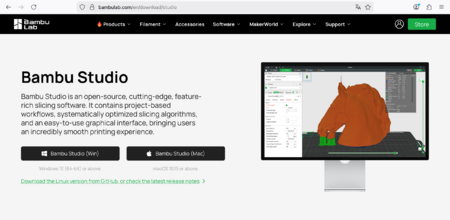
- After that open the app and follow the instructions to set it up.
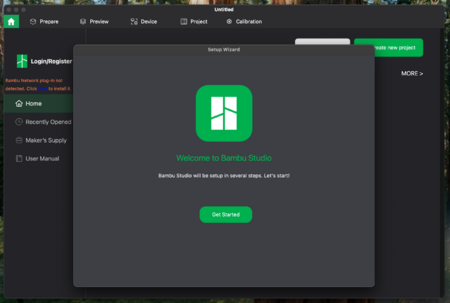
- Set your login region to Europe and click on Next.
- You will be asked to join their customer experience improvement program. You can skip that.
- Click on Clear all to remove all printers as you will only need the settings of the printer that is in the workshop. For that select the Bambu Lab P1S with 0.4mm nozzle and click on Next.
- There are different types of filament that can be used for printing. But for this printer you will always use Generic PLA. Please go through the list and make sure that Generic PLA is selected.
- As this printer is not connected to the network unselect all settings in this step.